Trade Tools

Gemstone Size & Carat

Mm to carat, all shapes.

in testingjewellersiteandroid

Estimate a mounted stone's carat weight from its measurements and shape for diamond, sapphire, ruby, emerald and moissanite, and the round size for a carat weight.

How it works, a worked example and screenshots ↓

Pay once, no subscription, no ads.

Platform
Android
Version
1.0
Source
Private source · Studio product
Price
£3.99

Runs on your phone, no internet needed. When it is on Google Play, updates will come through Play next time you're online.

Want to know when it launches? Email forestforge.dev@gmail.com.
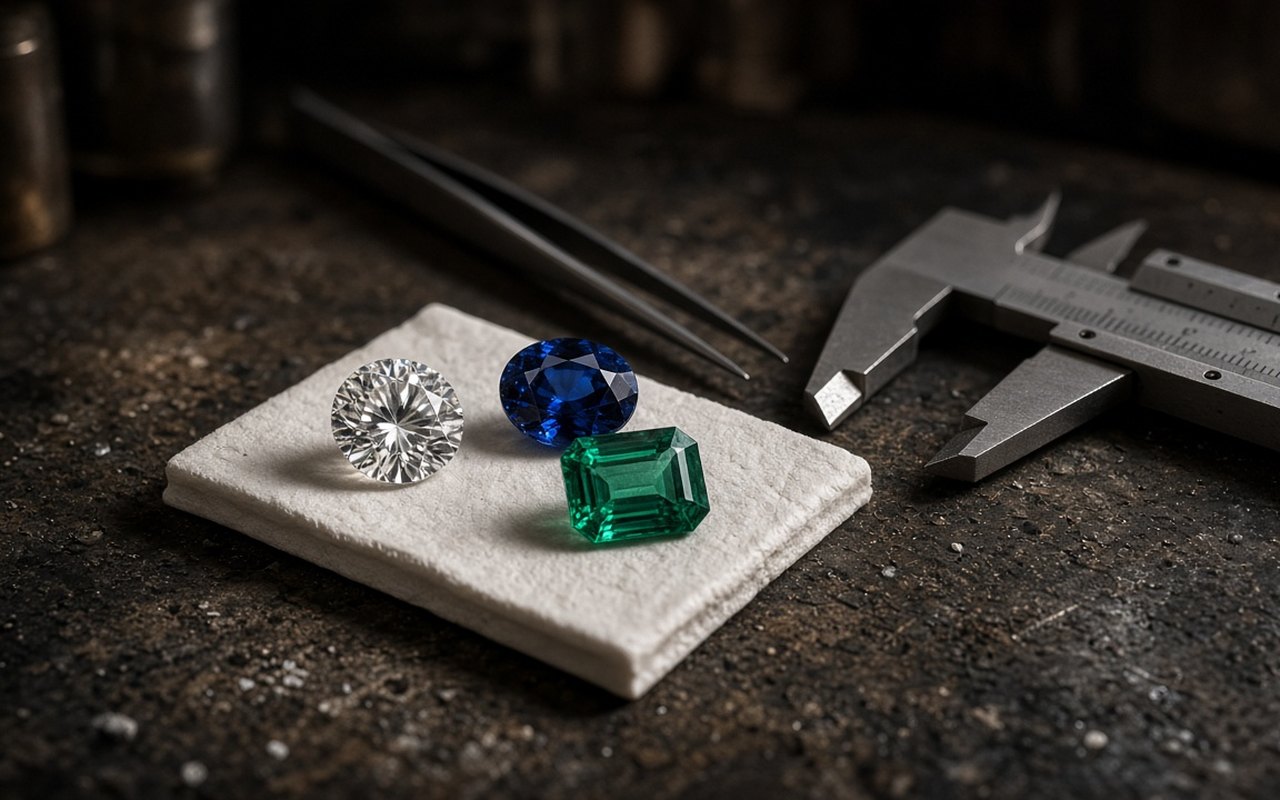
Gemstone Size & Carat artwork
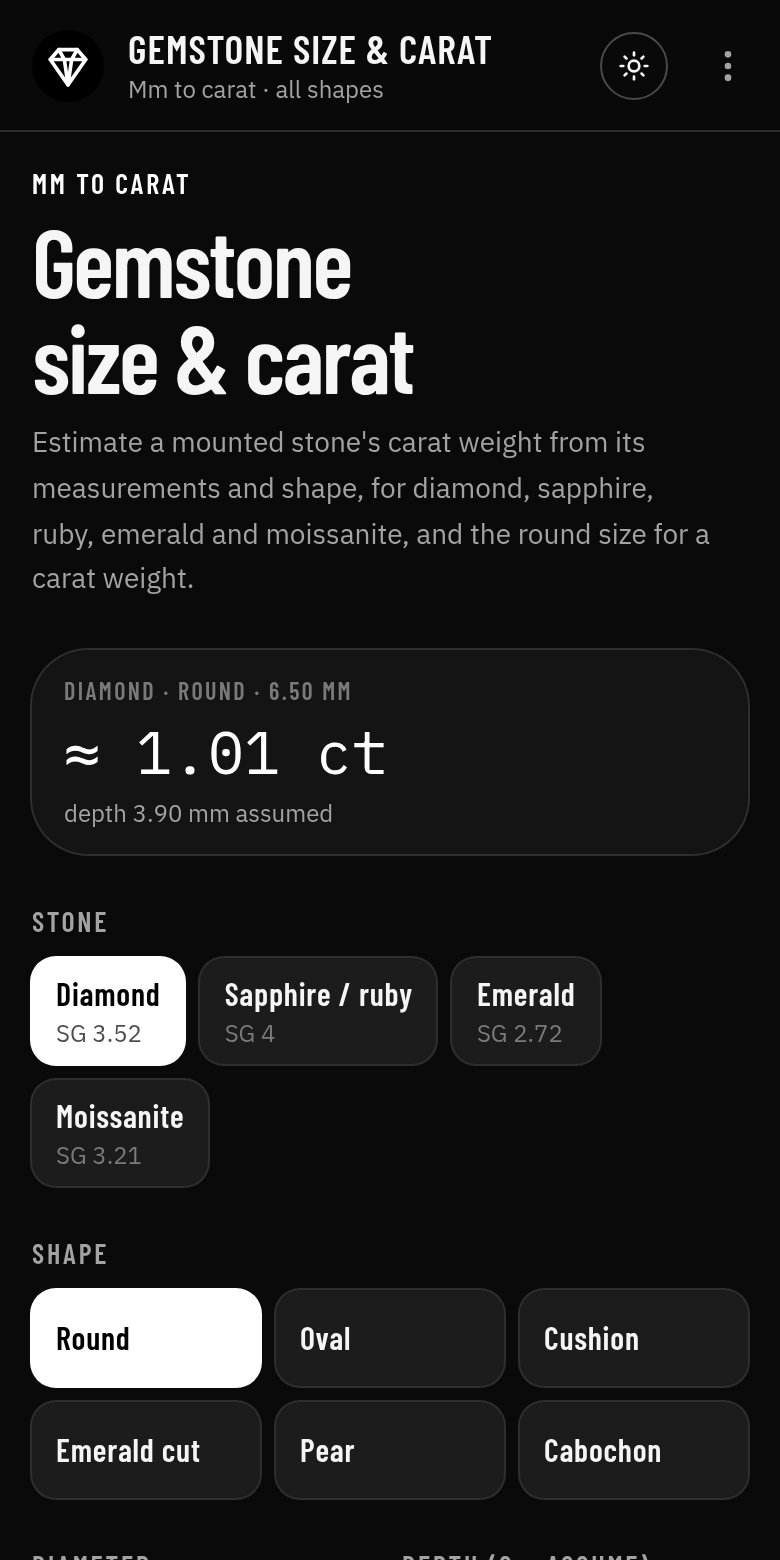
Gemstone Size & Carat app screen
Screenshot from the Android app

What it does

Gemstone Size & Carat estimates a mounted stone's carat weight from its measurements and shape, for diamond, sapphire and ruby, emerald and moissanite, and gives the round size for a carat weight, with a table of common round sizes.

Who it's for

Jewellers estimating a stone they cannot take out, ordering stones, or setting out a design.

How to use it

  1. 1Pick the stone and the shape.
  2. 2Enter the diameter (or length and width).
  3. 3Enter the depth, or 0 to assume a typical depth.
  4. 4Use Carat → round size to go the other way.
  5. 5Read the estimated weight and the assumed depth.

Inputs and outputs

You enter

  • Stone: diamond, sapphire / ruby, emerald, moissanite
  • Shape: round, oval, cushion, emerald cut, pear, cabochon
  • Diameter or length and width (mm)
  • Depth (mm), or 0 to assume
  • Carat weight for the round size

You get

  • Estimated carat weight
  • Depth used
  • Round diameter for a carat weight
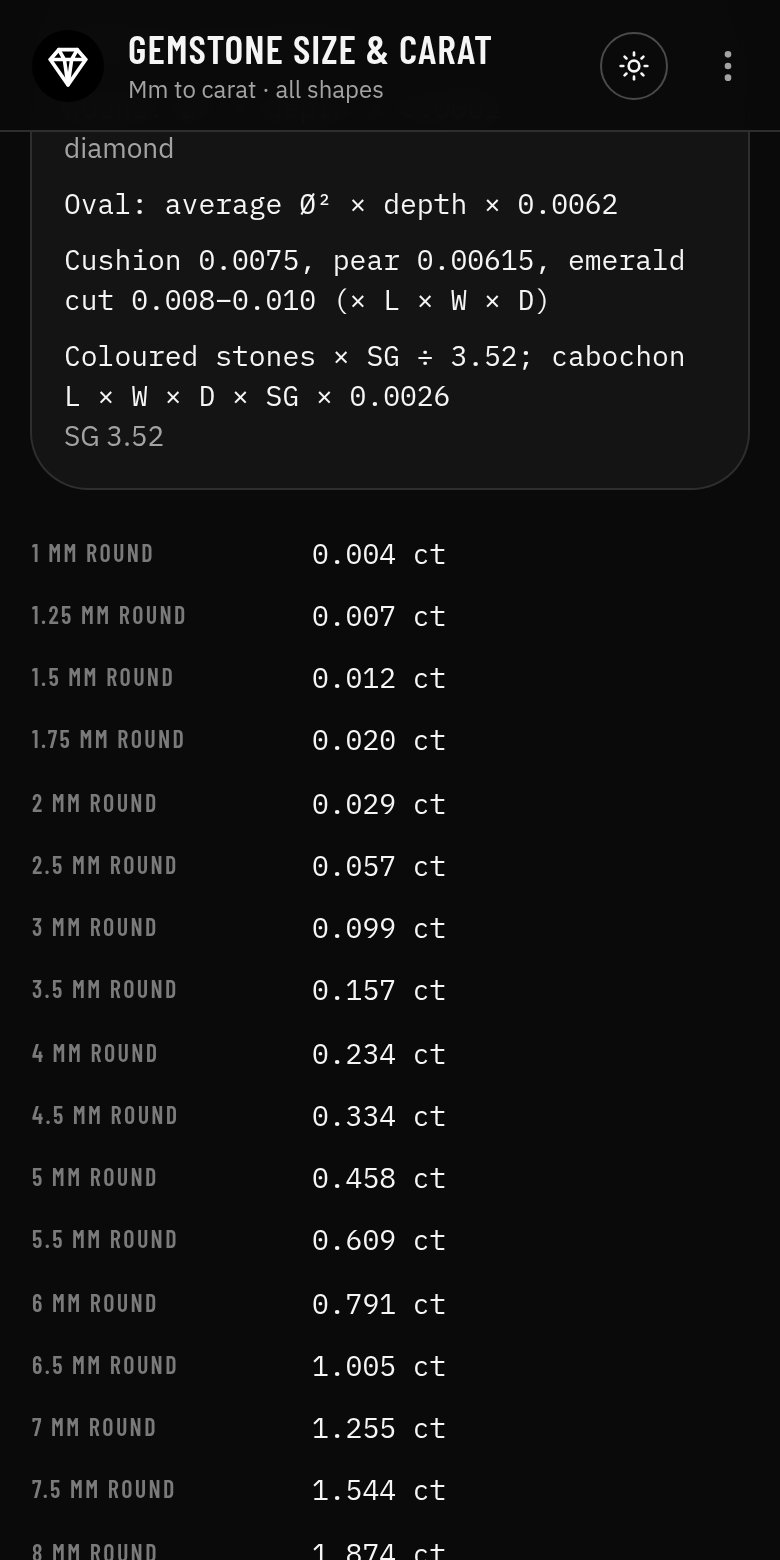
  • Table of round sizes from 1 mm to 10 mm

Worked example

A 6.5 mm round diamond

Given

  • Diamond, round, 6.50 mm
  • Depth not known (assume 60 %)

Working

  1. Depth = 6.50 × 0.60 = 3.90 mm
  2. Carat = 6.50² × 3.90 × 0.0061 = 1.005

Result

About 1.01 ct; a 1.00 ct round is about 6.49 mm.

An example only: your job will differ, so check the figures against the working in the app.
Features

  • Carat from measurements for common shapes
  • Diamond and coloured stones by specific gravity
  • Round size for a carat weight
  • Table of common round sizes
  • Formulas and working shown, with a clear guide-only note
  • Copy, print to PDF, export JSON or open the result in the Jeweller Suite
  • Works offline, no account, no ads

Screenshots

The tool with its starting values
Formulas, working and the results panel

Guide only

A trade estimate, not a lab weight or valuation. A guide only. The app shows its formulas and working so you can check every figure. It is not a substitute for your own judgement, training or the published standards.

More jeweller tools

All jeweller tools